
LinkedIn Automation in 2026: Best Practices Made Easy With LinkAngler
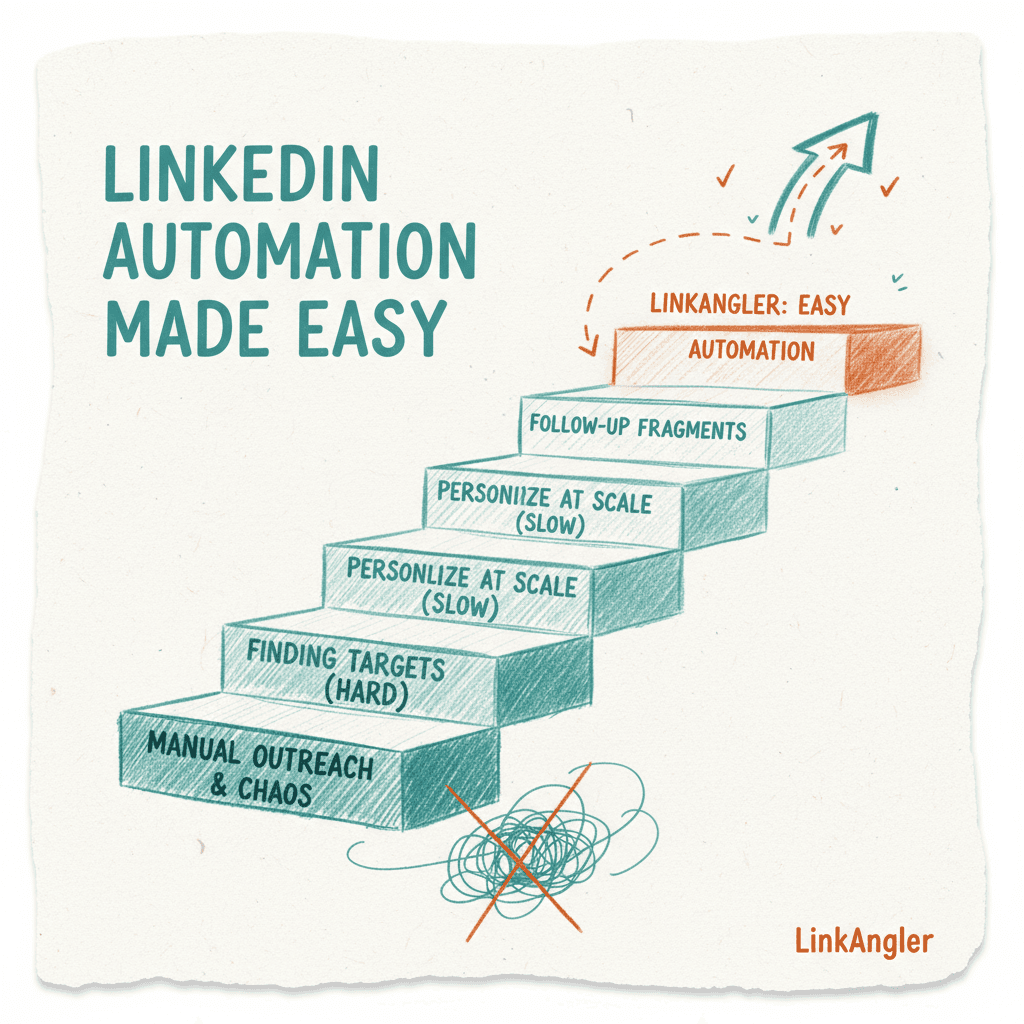
If you've been doing LinkedIn outreach manually in 2026, you're leaving serious pipeline on the table. LinkedIn automation has gone from a "nice to have" to an absolute necessity for sales teams, recruiters, and growth-focused founders — but only if you're doing it right. The difference between spammy blasting and genuine pipeline generation comes down to strategy, personalization, and the tools you use. This guide breaks down exactly what works, what doesn't, and how LinkAngler makes it all dramatically easier — without the artificial limits that hold most teams back.
Why LinkedIn Automation Still Matters in 2026
LinkedIn remains the highest-quality B2B prospecting channel on the planet. With over 1 billion members and purchase intent baked into the platform's DNA, it's where deals get started. But manually sending connection requests, follow-up messages, and profile visits? That's a full-time job for a full-time person — and it still won't scale.
LinkedIn automation, when done thoughtfully, lets you:
- Reach hundreds of qualified prospects without burning hours
- Run consistent, multi-step campaigns that don't fall through the cracks
- Follow up automatically without losing the personal touch
- Free up your reps to focus on actual conversations, not copy-pasting messages
The catch? A lot of teams get automation wrong. They blast generic messages, ignore safety limits, or get stuck using tools that throttle them right when momentum builds. That's what we're here to fix.
The Core Best Practices for LinkedIn Automation
Let's get into the tactical stuff. These principles apply whether you're a solo founder or running a 20-seat sales team.
1. Start With a Clean, Optimized Profile
Before you automate anything, your LinkedIn profile needs to do the selling for you. When someone gets your connection request or message, they're going to click your profile. If it looks bare or generic, your acceptance rates tank.
Make sure you have:
- A professional headshot (not a logo, not a cartoon)
- A headline that speaks to your target audience's problem — not just your job title
- A compelling About section that explains who you help and how
- Recent activity — posts, comments, or shares — to show you're a real, engaged person
Think of your profile as your landing page. Automation drives traffic to it. The profile closes the loop.
2. Define Your ICP Before You Build a Campaign
Garbage in, garbage out. LinkedIn automation is only as good as your targeting. Before you build a single sequence, get specific about your Ideal Customer Profile (ICP):
- Industry and company size
- Job title and seniority
- Geography
- Signals (recently funded, hiring for specific roles, using certain tech stacks)
The more precisely you can define who you're after, the higher your reply rates will be. Tools like LinkedIn Sales Navigator are your best friend here — build hyper-targeted lists and feed them into your automation campaigns.
3. Write Messages That Don't Sound Automated
This sounds obvious, but it's where most people fail. If your connection request reads like a mass blast, people will ignore it — or worse, report it.
The anatomy of a great opening message:
- Keep it short (under 300 characters for connection requests)
- Reference something specific (their role, company, a recent post)
- Make it about them, not you
- Have a clear but soft call to action
Bad example: "Hi [First Name], I help companies like yours increase revenue with our AI-powered platform. Let's connect!"
Good example: "Hey Sarah — saw your post on scaling SDR teams without burning them out. That's exactly the problem we help with. Would love to connect."
Use personalization variables wisely — first name, company name, job title — but layer in real context where you can. LinkAngler's campaign builder lets you add custom variables so messages feel tailored at scale.
4. Build Multi-Step Sequences, Not One-Shot Blasts
The money is in the follow-up. Most replies don't come from the first message — they come from the second or third touchpoint. A well-structured sequence might look like this:
- Day 1: Send a connection request with a personalized note
- Day 3: After connection accepted, send a warm intro message
- Day 6: Follow up with a value-add (case study, insight, relevant article)
- Day 10: Soft ask — propose a short call or ask a qualifying question
- Day 15: Final follow-up with a low-friction close ("Is this even relevant for you right now?")
Each step should add value or context. Don't just say "Just following up!" — give them a reason to respond.
5. Respect LinkedIn's Ecosystem (Even When Automating)
LinkedIn has gotten smarter about detecting bot-like behavior. Running your automation recklessly is a fast track to account restrictions. Smart practices include:
- Randomize delays between actions — human behavior isn't perfectly timed
- Limit daily actions to levels that mimic natural activity
- Warm up new accounts gradually before running full campaigns
- Use a dedicated IP or residential proxy if running at high volume
- Mix in manual activity — comment on posts, engage organically
The goal is to be automated but look human. Good automation tools handle a lot of this behind the scenes.
6. Track, Test, and Iterate
LinkedIn automation campaigns aren't set-and-forget. You need to be watching your metrics and adjusting:
- Connection acceptance rate (aim for 30%+)
- Reply rate (aim for 10-20% on a well-targeted list)
- Positive reply rate (how many replies are actually interested)
- Conversion to meeting
A/B test your opening messages. Try different value propositions. Adjust your follow-up timing. The teams that win at outreach are the ones that treat it like a growth experiment — always testing, always optimizing.
LinkAngler vs. The Competition: Why Limits Are Killing Your Pipeline
Here's where things get real. Most LinkedIn automation tools have a dirty little secret: they're built to cap you. Not for your safety — for their revenue model.
Let's break down how the major players stack up:
Dripify
Dripify is popular for a reason — it's clean and easy to use. But the moment you want to scale, you hit walls fast. Their plans cap daily actions, limit the number of active campaigns, and restrict advanced features to higher tiers. If you're running a team of 5+ reps, you're paying per seat and still dealing with action limits per account. That's a ceiling stacked on a ceiling.
PhantomBuster
PhantomBuster is powerful but complex — it's essentially a script runner that requires serious technical know-how to get the most out of. Worse, execution time is capped per plan. If your phantoms run out of execution minutes mid-campaign, your sequences just... stop. For non-technical teams, it's a constant headache.
Expandi
Expandi markets itself as the "safe" automation tool, which is a fair positioning. But safety comes at a cost: they hard-cap daily invitations and messages in ways that limit how fast you can move. Their pricing is also steep for what you get, and teams consistently report friction when trying to scale multi-seat operations.
Zopto
Zopto is aimed at enterprise teams, and the pricing reflects that. Per-seat pricing that scales quickly, limited campaign flexibility, and a UI that feels dated. For fast-moving startups or growth teams, it's overkill in the wrong places and underpowered in others.
LinkAngler: No Artificial Limits, Period
LinkAngler was built differently. The founding philosophy is simple: serious sales teams shouldn't have their tools working against them.
Here's what that means in practice:
- No caps on daily connection requests — run at the volume your strategy demands
- No limits on active campaigns — launch as many sequences as you need
- No per-seat pricing penalties — scale your team without your tool bill exploding
- No feature gating — everything is available from day one, not locked behind a "Pro" tier
- Full multi-step sequence builder — connection requests, messages, follow-ups, profile visits, all in one flow
- Smart randomization built in — so your campaigns look natural without you having to think about it
For teams that are serious about outbound, the difference isn't just convenience — it's compounding. When your tool isn't throttling you, you can run more experiments, reach more prospects, and close more deals. The best LinkedIn automation tool is the one that gets out of your way.
How to Set Up Your First LinkAngler Campaign (Step by Step)
Ready to put this into practice? Here's how to launch your first campaign in LinkAngler:
Step 1: Import Your Prospect List Pull a targeted list from LinkedIn Sales Navigator or a CSV export. LinkAngler accepts both and automatically de-duplicates so you're not hitting the same person twice.
Step 2: Build Your Sequence Use the visual campaign builder to map out your touchpoints. Drag and drop connection requests, messages, delays, and conditional steps (e.g., "if connected, send message A; if not, try again in 5 days").
Step 3: Personalize Your Messages Add your personalization variables — first name, company, job title, and any custom fields you've imported. Preview how each message will look before you launch.
Step 4: Set Your Sending Schedule Choose what hours and days your campaign runs. Stick to business hours in your prospects' time zones for best results. LinkAngler handles time zone logic automatically.
Step 5: Launch and Monitor Hit launch and let it run. Check your dashboard daily for acceptance rates and replies. Move hot leads into your CRM integration directly from LinkAngler.
Step 6: Iterate After 50-100 outreach attempts, review the data. What's working? What's not? Adjust your messaging, targeting, or sequence timing and relaunch.
Advanced Strategies for Power Users
Once you've got the basics dialed in, these tactics can take your results to another level:
Trigger-Based Outreach
Monitor for buying signals — job changes, funding announcements, new hires — and trigger campaigns automatically. Reaching out when there's context dramatically increases response rates.
Account-Based Campaigns
Instead of going person-by-person, target everyone at a specific company simultaneously. Hit the VP, the Director, and the Manager with coordinated but different messages. Create surround-sound awareness.
LinkedIn + Email Combination
LinkAngler's integrations let you sync with your email outreach tools. A prospect who doesn't reply on LinkedIn might respond to an email — and seeing your name in both places builds recognition.
Endorsement and Profile Visit Warming
Before sending a connection request, automatically visit a prospect's profile and endorse a skill. It's a subtle human touch that can significantly lift acceptance rates.
Common Mistakes to Avoid
Even with a great tool, these missteps can undermine your campaigns:
- Sending too many messages too fast on a new account — warm up gradually
- Using the same template for everyone — at minimum, segment by persona
- No clear CTA — every message should know what it wants the reader to do next
- Ignoring replies — automation starts the conversation, humans have to continue it
- Running campaigns 24/7 — LinkedIn's algorithm is smarter than it used to be; keep hours realistic
Wrapping Up
LinkedIn automation in 2026 isn't about gaming the platform — it's about being smart and consistent at scale. The teams winning at outbound are the ones with tight ICP targeting, genuinely personalized messaging, thoughtful multi-step sequences, and tools that don't get in their way.
That last part is where most teams get stuck. Dripify caps you. PhantomBuster confuses you. Expandi slows you down. Zopto charges you to death. LinkAngler just lets you run.
If you're serious about turning LinkedIn into a predictable pipeline machine — not just a place to collect connections — it's time to stop working around your tool's limitations and start working with one that has none.
The playbook is here. The platform is ready. All that's left is to start.