
LinkAngler vs PhantomBuster: Which Tool Actually Automates LinkedIn Outreach Better?
If you've spent any time researching how to automate LinkedIn outreach, you've probably landed on PhantomBuster at some point. It's been around since 2016, it has a massive library of "Phantoms" (their term for automation scripts), and it gets recommended constantly in growth hacking communities. It looks impressive on the surface.
But impressive-looking and actually useful for LinkedIn outreach are two very different things.
This isn't going to be a hit piece on PhantomBuster — it's genuinely a capable tool for certain use cases. What it is going to be is an honest, practical breakdown of how these two platforms approach LinkedIn automation differently, who each one is actually built for, and how to figure out which one makes sense for what you're trying to do.
Let's get into it.
What Each Platform Is Actually Designed to Do
This is where most comparisons go wrong — they treat both tools like they're solving the same problem. They're not.
PhantomBuster: A Multi-Network Scraping and Automation Swiss Army Knife
PhantomBuster is built around a library of pre-written automation scripts that work across dozens of platforms — LinkedIn, Instagram, Twitter/X, Sales Navigator, Google Maps, and more. The idea is that you pick the "Phantom" you need, configure it, run it on a schedule, and export your data.
It's genuinely powerful if you want to:
- Scrape LinkedIn profiles or company pages at scale
- Extract contact data across multiple networks in one platform
- Chain automations together into "Flows" (their multi-step sequences)
- Build data pipelines for enrichment or CRM syncing
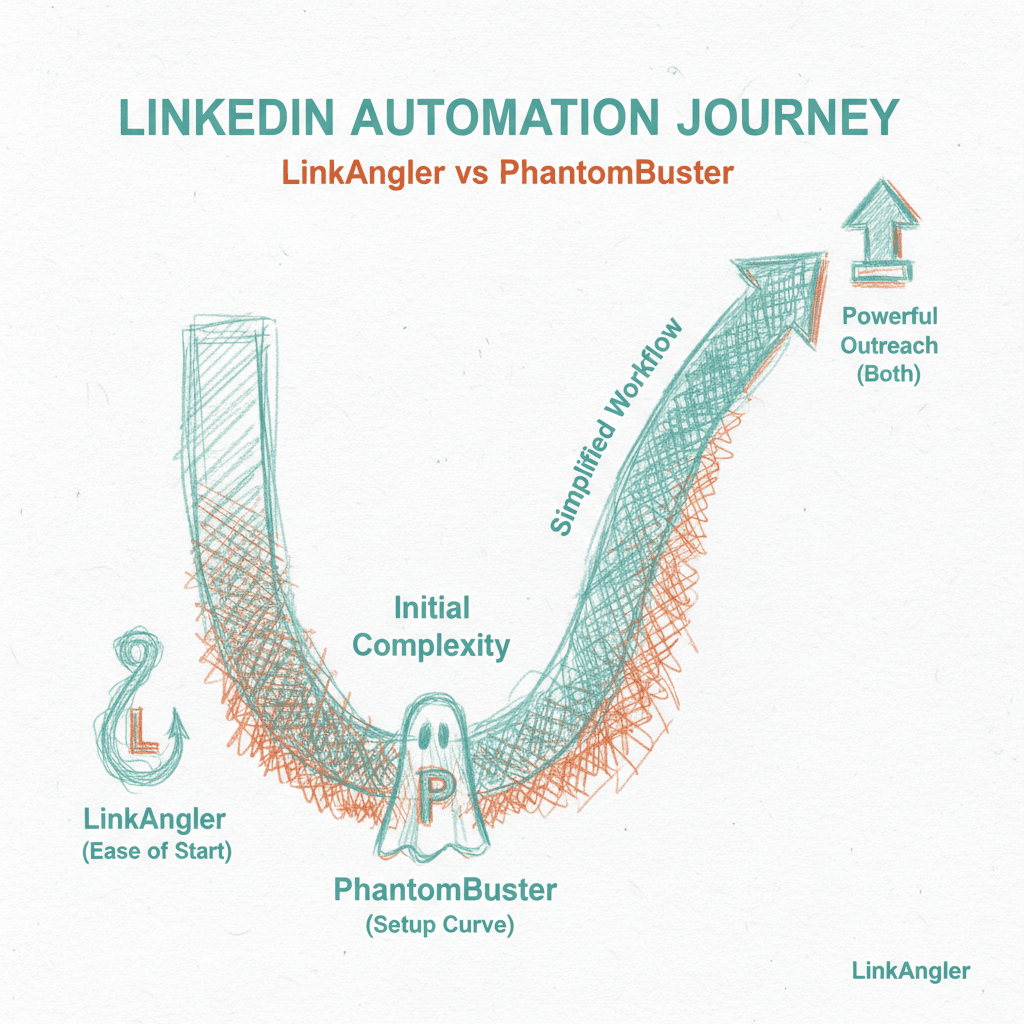
The trade-off is that PhantomBuster is a developer-friendly, technically oriented tool. To unlock its real power, you'll be comfortable with things like configuring cookies for authentication, understanding API limits, managing session tokens, and potentially writing your own scripts. The learning curve is real.
LinkAngler: Purpose-Built to Automate LinkedIn Outreach
LinkAngler is built with one focus: LinkedIn outreach that actually converts. That means connection campaigns, message sequences, follow-ups, and the kind of personalized, scalable prospecting that fills pipelines.
It's designed so that a salesperson, recruiter, or founder with zero technical background can get a campaign running in under 20 minutes. No cookie configurations, no script debugging, no needing to understand what a session token is. You set your targeting, write your messages, define your sequence, and let it run.
That single-purpose focus isn't a limitation — it's a deliberate design choice that changes how the whole experience feels.
Setting Up Your First Campaign: The Real-World Experience
One of the most telling comparisons between any two tools is what it feels like to set up your first campaign. Not in theory — in practice, when you're actually clicking through the interface for the first time.
PhantomBuster Setup Reality
To run a LinkedIn outreach sequence in PhantomBuster, the typical path looks something like this:
- Authenticate your LinkedIn session — This involves extracting your session cookie from your browser. It's not hard if you know what you're doing, but it's a dealbreaker for plenty of users.
- Find the right Phantom — There are 100+ Phantoms. Some are labeled clearly, others require you to read documentation to understand what they actually do.
- Configure the Phantom settings — Each Phantom has its own set of parameters. Some have 5 fields. Some have 25.
- Set up a Flow if you want multi-step sequences — This means chaining Phantoms together, which works but requires understanding how outputs feed into inputs.
- Test, debug, and monitor — When something breaks (and it will), you're largely on your own unless you're on a paid plan with support.
For a technical marketer or growth hacker, this is fine. Even fun, maybe. For a sales rep who just wants to book calls? It's friction they didn't sign up for.
LinkAngler Setup Reality
With LinkAngler:
- Connect your LinkedIn account (straightforward OAuth-style flow)
- Define your target audience using LinkedIn search filters or upload a prospect list
- Write your connection request message and follow-up sequence
- Set your daily send limits and schedule
- Hit launch
That's it. The interface guides you through each step without requiring any technical background. The whole point is that you spend your mental energy on the message — not the mechanics.
How Each Platform Handles the Automate LinkedIn Outreach Safety Question
This is the elephant in the room with any LinkedIn automation conversation. LinkedIn actively works to detect and restrict automated behavior. The question isn't if you should care about this — it's how each platform handles it.
PhantomBuster's Approach
PhantomBuster is built to be used carefully. Their documentation recommends running Phantoms during business hours, keeping activity volumes conservative, and not running too many simultaneous automations. They provide guidance on "safe" limits, but ultimately the responsibility is on you to configure everything correctly.
If you accidentally misconfigure a Phantom and send 200 connection requests in an hour, PhantomBuster won't stop you. That's by design — it's a flexible tool, and flexibility means more rope. The question is whether you'd rather have guardrails or full control.
LinkAngler's Approach
LinkAngler bakes safety directly into the platform's logic. Activity is distributed to mimic natural human behavior — not just in daily volumes, but in timing patterns, delays between actions, and how campaigns ramp up over time. You still control your settings, but the defaults are sensible and the system is built to protect your account, not just execute commands.
The philosophy is different: PhantomBuster trusts you to know what you're doing. LinkAngler is designed so you don't have to become an expert in LinkedIn's detection systems just to run a campaign.
Campaign Flexibility and Personalization
When you want to automate LinkedIn outreach without it feeling automated, personalization is everything. Let's see how both tools handle this.
Variables and Dynamic Content
Both platforms support message variables — things like {first_name}, {company}, and similar placeholders. This is table stakes at this point.
Where they diverge is in how easy it is to actually use those variables well. In PhantomBuster, personalization depends heavily on what data you feed into the Phantom — if your input spreadsheet has a column for industry, you can use it; if not, you can't. It's flexible, but it requires clean, well-structured data.
LinkAngler pulls directly from LinkedIn profile data, which means you can personalize based on job title, company, location, and other live profile information without needing to pre-build a perfectly formatted spreadsheet. For most outreach use cases, this is a significantly smoother workflow.
Multi-Step Sequences
Both platforms support sequenced outreach (connect → message → follow-up). PhantomBuster does it through chained Flows, which work well but require setup time. LinkAngler handles sequences natively within a single campaign builder — you define each step in one place and see the whole sequence at a glance.
For ongoing A/B testing or iterating on your messaging, having everything in one unified view is a meaningful time-saver.
Pricing and Value: What You Actually Get
Pricing models between these two tools are structured differently enough that a direct line-item comparison doesn't tell the whole story.
PhantomBuster Pricing
PhantomBuster prices primarily on execution time (how many hours per month your Phantoms run) and the number of Phantoms you can run simultaneously. Plans start around $56/month and scale up based on usage intensity.
For light, occasional use — like scraping a list once a week — this can be good value. For running continuous, high-volume LinkedIn outreach sequences across multiple accounts, the costs can escalate quickly and the credit model can feel unpredictable.
LinkAngler Pricing
LinkAngler prices around campaigns and connected accounts, which is a model that makes intuitive sense for sales and recruiting use cases. You know what you're paying, and you know what you're getting.
Importantly, LinkAngler doesn't artificially cap the number of connections you can send or messages you can push within a campaign — the platform manages safe activity levels automatically, so you're not constantly watching a credit counter tick down.
For teams running LinkedIn outreach as a core part of their sales or recruiting process, this tends to be meaningfully more predictable.
Who Should Use PhantomBuster?
To be fair: PhantomBuster is excellent for specific scenarios. If you identify with any of these, it might genuinely be the better choice:
- You need multi-platform automation — If your growth strategy spans LinkedIn and Instagram, Twitter, and other networks, PhantomBuster's breadth is hard to match.
- You're technically comfortable — If you like building custom automation workflows and want full control over every parameter, you'll appreciate PhantomBuster's flexibility.
- Your primary goal is data scraping — If you need to extract large datasets from LinkedIn for enrichment, research, or lead list building (rather than running outreach directly), PhantomBuster's scraping Phantoms are genuinely strong.
- You're a growth hacker or developer — The tool is built for people who think in workflows and systems.
Who Should Use LinkAngler?
LinkAngler makes the most sense if:
- LinkedIn is your primary outreach channel — All the focus is on making LinkedIn outreach work better, which means every feature is purpose-built for that goal.
- You're in sales, recruiting, or business development — The workflow is built around booking meetings and starting conversations, not building data pipelines.
- You want to automate LinkedIn outreach without a technical learning curve — Your team can be up and running without needing a dedicated ops person to manage the tool.
- You're managing multiple campaigns or accounts — The campaign management interface is clean and purpose-built for people running LinkedIn outreach at volume.
- Safety is a top priority — You want the platform to handle LinkedIn compliance logic without making it your full-time job.
The Bottom Line: Different Tools for Different Jobs
Here's the honest summary: these are not the same product with different price tags. They're built with fundamentally different users in mind.
PhantomBuster is a powerful, flexible automation toolkit that happens to include LinkedIn functionality. If you need breadth across platforms, love technical control, and are primarily interested in data operations, it's worth evaluating seriously.
LinkAngler is a platform built specifically to automate LinkedIn outreach in a way that's safe, scalable, and usable by anyone on a revenue-focused team. If your goal is pipeline — more conversations, more meetings, more connections that go somewhere — it's purpose-built for exactly that.
The best tool isn't the one with the most features. It's the one that actually gets you the outcome you're after without becoming a second job.
If you're running LinkedIn outreach as a core part of how your business grows, that's the lens to use when making this decision.
Quick Comparison Summary
| Feature | PhantomBuster | LinkAngler | |---|---|---| | Primary focus | Multi-platform automation & scraping | LinkedIn outreach & prospecting | | Setup complexity | Moderate to high | Low | | Technical skill required | Yes, helpful | No | | Multi-step sequences | Yes (via Flows) | Yes (native campaign builder) | | Safety/compliance logic | Manual configuration | Built-in | | Best for | Growth hackers, developers, data ops | Sales, recruiting, BD teams | | Pricing model | Execution time credits | Campaigns & accounts |
Whichever direction you go, the key is to actually use the tool consistently. The platforms that win aren't the ones you set up and forget — they're the ones you iterate on, improve, and build a repeatable process around. That's what turns automation into real results.